
 About Us
 FAQs
FAQs Blogs
Blogs Career
-
- UI/UX/ Design
- MVP Application Development
- Mobile App Consultancy
-
Native App
Development
- (1) iOS App Development Services
- (2) Android App Development Services
- Cross Platform App Development
- Mobile App maintenance and Services
- Hire Expert Mobile Application Developers
-
- Custom Web Application Development
- Enterprise Web Application Development
- Full Stack development
- Single Page Application Development
- Progressive Web Appplication Development
- Content Management System (CMS)
- Legacy System Migration
- eCommerce Solutions
- Hire Expert Web Application Developer
- Web Development Consultancy Service
 Software Development
 Mobile Application Development
 Web Application Development
 Requirement Assessment & Flawless Project Execution
 Product Prototypying
 Cloud & Infrastructure
 AI / ML
 Quality Assurance
 Data Analytics
 Hire Dedicated Developers
 Healthcare
 Logistics
 Finance
 Education
 Manufacturing
 Immigration
 Real Estate
 E-Commerce
 Retail
 Sports
 Furniture
 Garment
 Media & Entertainment
 Portfolio
 Case Studies
Contact Us
Mobile UX Trends 2025: Key Insights for Start-ups & App Success
Discover the top mobile UX trends for 2025 that every start-up should know. Learn how great UX drives retention, conversions, and App Store visibility.
Author :
Dhvani Dalal (TechupR)
24 June 2025

As a person who's collaborated closely with designers and being a project and product manager, I can see with my own eyes how UX can either make or destroy a mobile app particularly in saturated markets like India, the US, or the UK. That's why I thought I'd extract the essential meaning of the largest mobile UX trends for 2025 which I think all start-ups should be adhering to.
Let me say this right away
if you're developing a mobile app in 2025 and still treating UX as a nice-to-have, then you're already playing catch-up.
Micro-Interactions That Actually Matter
I love details. Being in quality assurance field taught me micro-interactions — such as button ripples, slight vibrations, or a satisfying animation when you've finished a task — are details that not only look good but feel good too.They guide the user intuitively, make the interface feel alive and reduce bounce and frustration.ATTENTION Start-UPs: They're not only adorable gimmicks — they enhance retention and encourage users to give your app a positive review on the App Store or Play Store.
-
Enhances User Experience
They guide the user intuitively, make the interface feel alive and reduce bounce and frustration.
-
ATTENTION Start-UPs:
They're not only adorable gimmicks — they enhance retention and encourage users to give your app a positive review on the App Store or Play Store.
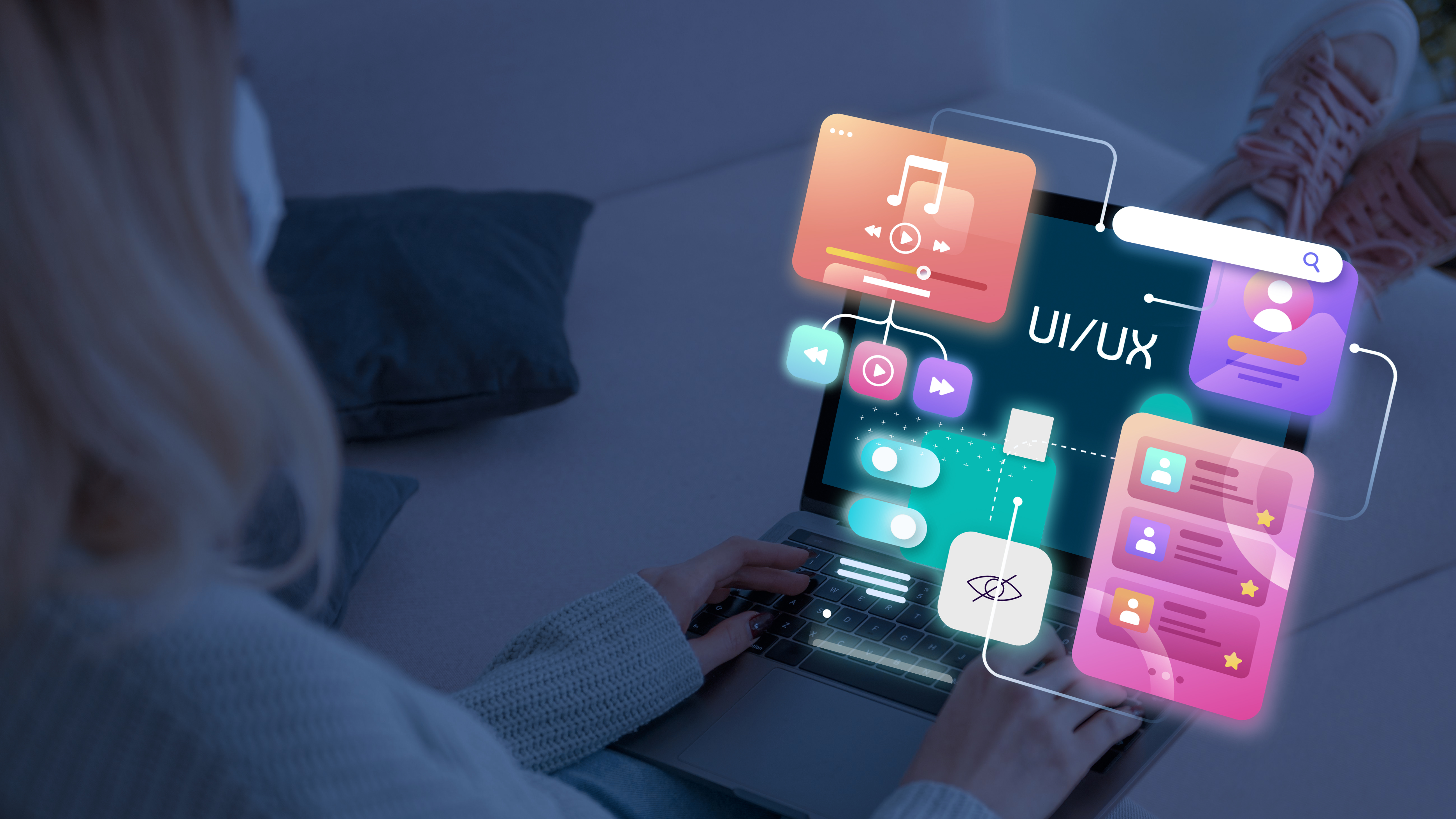
Personalized UX, Not Just Personalized Content
Here's the thing: it's easy to display a message to someone saying Hey, welcome back.
-
UX vs Content Personalization
It's another to reorder your app's workflow based on how I use it. That's content personalization versus UX personalization.
-
Designing for Global Diversity
In industries such as India or Brazil, individuals utilize apps in ways other than those of the US or Europe. If you're targeting a worldwide audience, start with UX because that’s not simply the language, that’s interaction.
Gesture-First Interfaces Are the New Norm
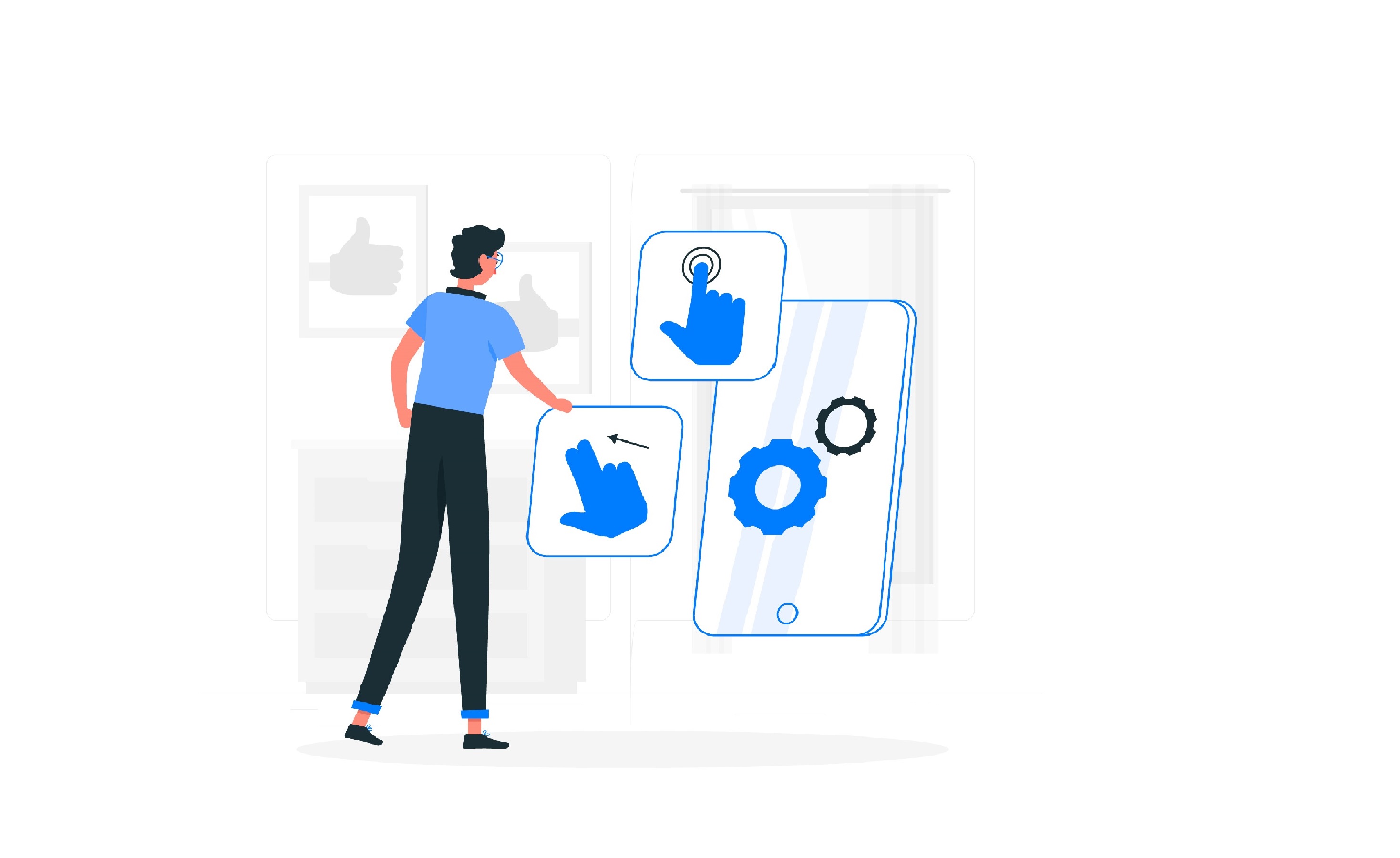
Buttons are outdated. Gestures like Swipe to delete, pinch to zoom, hold to drag — these now feel native, not futuristic.
-
Gesture-Driven UX
When I assist clients in designing mobile apps, I always insist on gesture support that is attuned to user behaviour, particularly for Gen Z users who live on touchscreens.
-
Test Across Device Tiers
Bonus Tip: Always test gestures on the flagship and budget Android devices. You'd be surprised what doesn't register on a ₹10k phone.
Dark Mode — Not Just an Afterthought
-
Dark Mode: Style Meets Function
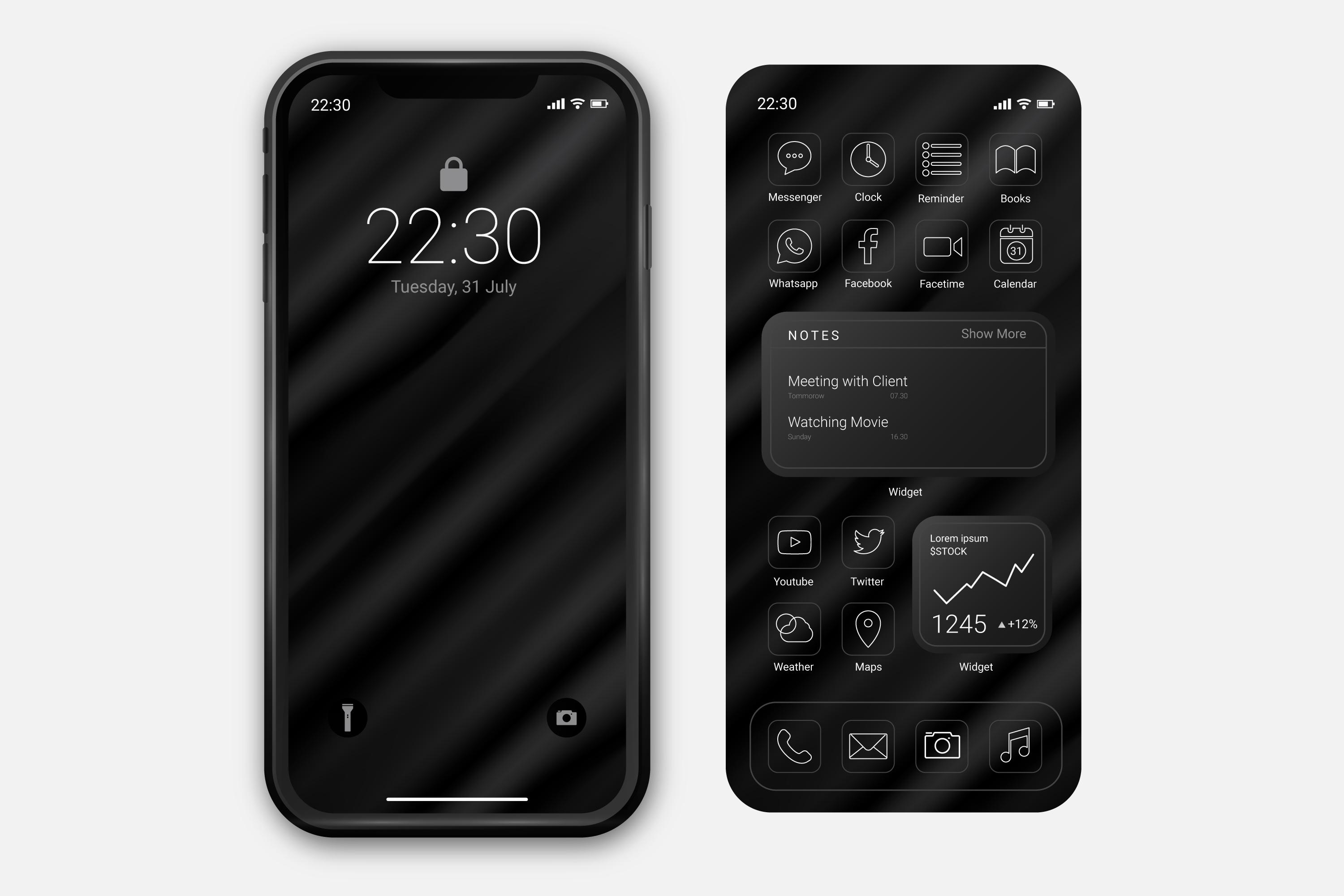
Let’s be honest. Dark mode just looks cooler. But it’s also practical — saves battery, reduces eye strain, and fits with modern UI expectations.
-
Dark-First Design Approach
I’ve started designing “dark-first” for most of my recent mobile projects. Especially in regions with heavy mobile usage and battery constraints (think Southeast Asia), dark mode is a user demand, not a luxury.
AI-Driven UX That Feels Human
I love where AI is taking UX. From pre-emptive search suggestions to intelligent sorting of content — we can now allow the app to learn from users and adapt on its own. Start-ups can triumph here without creating huge AI systems.
-
Smart Tab Reordering
Re-arranging tabs based on usage patterns helps users access their most-used features faster, making the app feel responsive and personalized.
-
Form Auto-Completion
Auto-completing forms based on past behavior or saved data saves time and improves flow, especially on mobile devices.
-
Prioritized Feature Display
Displaying frequently-used features upfront gives a sense of intuitive design, making the app feel like it ‘knows’ the user.
Lightweight UX for Low-Bandwidth Zones
This one’s personal. In India, I’ve worked with apps targeting Tier 2 & 3 cities — where data is slow, and phones are light on RAM. You can’t afford heavy UIs, massive images, or sluggish transitions. The new trend is offline-first design and ultra-fast UI delivery with skeleton screens and minimal loading indicators. Trust me — your users will thank you, and your uninstall rate will drop.
-
Design for Slow Networks
Use compressed assets, avoid unnecessary animations, and keep UI components lean to perform well in low-data environments.
-
Offline-First Experience
Prioritize caching, local storage, and essential offline functionality so your app doesn’t feel broken when there's no signal.
-
Skeleton Screens Over Spinners
Replace long loading spinners with lightweight skeleton screens to give users the illusion of speed and smoother UX.

Privacy-First UX = Trust-First Growth
UX isn’t just how something looks — it’s how people feel using it. If your app is sneaky with data, shows unclear permissions, or makes logging out difficult, users won’t just leave — they’ll leave a 1-star warning. In 2025, UX is the second name for Trust. Make privacy controls transparent, consent simple, and language human.
-
Transparent Privacy Controls
Give users easy access to manage data settings. Clarity builds trust — confusion kills it.
-
Simple Consent Language
Avoid legal jargon. Use human, respectful wording to ask for permissions and data access.
-
Easy Opt-Out & Logout
If logging out or deleting an account feels like a trap, users lose trust instantly. Keep it effortless.
-
Snappy Onboarding = Sticky Installs
Fast, friendly onboarding leads to more users staying past day one. Big win for app retention and ASO.
-
Stunning Screenshots = More Clicks
Beautiful, clear visuals in the App Store improve click-through rate and boost search ranking.
-
Smooth Navigation = Better Reviews
Frustration-free flow gets better ratings and more positive word-of-mouth.
-
Tailored UX = More Time Spent
Personalized experiences encourage deeper engagement, which in turn improves your app store rankings.
Final Thoughts — Startups That Prioritize UX, Win
From experience, teams that obsess over features but overlook UX often struggle. Meanwhile, lean startups that launch with simple, beautiful, and intuitive UX grow faster. Your app’s UX is your first impression, your reputation, and your conversion strategy — all rolled into one.
If you’re a startup founder, designer, or product owner, ask yourself: 'Would I have fun using my own app, start to finish?' If your answer is 'eh,' then it’s time for a rethink. We should chat — I'd love to assist.
TechupR, we've helped startups worldwide design apps that not only look good but also feel great to use and grow rapidly. Let's build your next big success story.
FAQS
Frequently Asked Questions
